English
 Chinese



I’ve taken a lot of calls over the past three years. When a warehouse manager tells me their label printer jammed halfway through a shipment run, or a pharmacy tech says their prescription printer is producing faint barcodes that the scanner won’t read, I pretty much know what’s coming next. It’s not the paper. It’s not the ribbon. It’s the printhead.
According to industry analyses, more than 78% of thermal printer failures trace back to printhead contamination. That’s not a small number. And the frustrating part? Most of those failures are preventable with the right maintenance routine — specifically, the right thermal printer cleaning wipes used at the right intervals.
Let me walk you through what I’ve learned from the field, not from a spec sheet.
What Causes Thermal Printhead Contamination
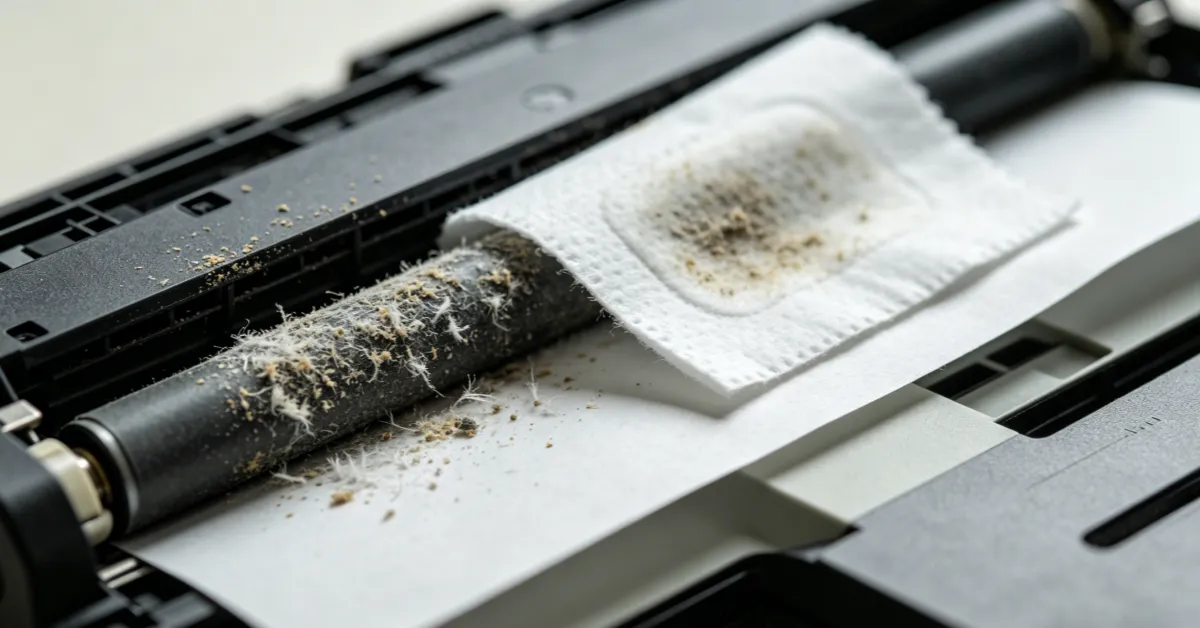
When a thermal printer runs, the printhead heats up — we’re talking hundreds of thermal elements on a strip that’s often less than 15 centimeters wide. Every time it prints, it’s pressing against the thermal paper, transferring heat to create the image. Over time, residue builds up. Toner particles. Paper fibers. Dust from the environment. It accumulates on that tiny surface, and suddenly the heat isn’t transferring evenly anymore.
Symptoms of a Contaminated Printhead
The symptoms show up gradually, which is why people often miss the root cause:
- Faded or streaky prints — sections of the barcode or text look washed out
- Barcode read failures — scanners struggle or fail to read labels
- Increased paper jams — the contaminated printhead creates friction and feeding issues
- Shorter printhead lifespan — localized overheating damages the thermal elements permanently
A convenience store chain I worked with last year tracked this precisely. Printers that got cleaned weekly had a barcode misread rate of 0.7%. The ones that didn’t? 2.3%. That difference translated to 120 hours of error correction work per 100,000 labels. The math isn’t complicated.
Thermal Printer Cleaning Wipes vs. Paper Towels: Why It Matters
I hear this one a lot: “Can’t I just use a paper towel and some rubbing alcohol?” You can. But you shouldn’t.
Standard paper towels shed fibers. Those fibers end up exactly where you’re trying to clean — on the printhead. And household rubbing alcohol often contains impurities that leave residue behind. Professional-grade thermal printer cleaning wipes are engineered differently:
Three-Layer Composite Structure
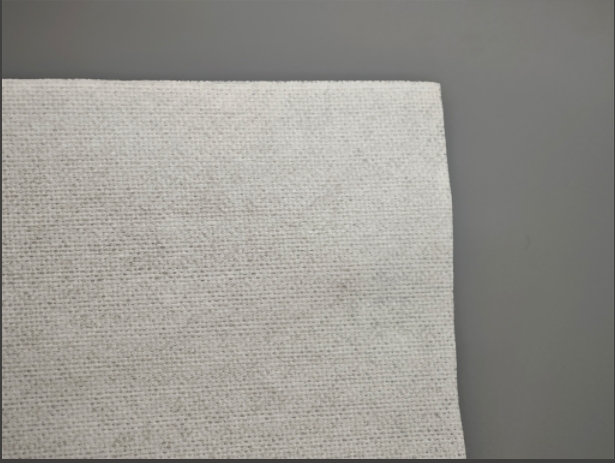
A medical-grade non-woven surface that doesn’t shed, a middle layer with micron-level cleaning particles, and an anti-permeable backing that keeps the solvent from leaking through to your fingers.
Controlled Solvent Formulation
Typically around 45% isopropanol with surfactants and corrosion inhibitors in specific ratios, designed to dissolve toner agglomeration without damaging the thermal coating.
Pre-Saturated Consistency
Every wipe has the same amount of solvent, so you’re not guessing whether you applied too much or too little.
Third-party lab testing shows that regular use of properly formulated cleaning wipes can extend printhead life to around 150,000 print cycles. Compare that to 80,000 or less with no maintenance, and the economics start to make sense. For more on industrial cleaning standards, see the ISO 14644 cleanroom standards which govern many of these material specifications.
How to Clean a Thermal Printhead (Step-by-Step Guide)
This isn’t complicated, but the order matters. Here’s the routine I walk customers through:
- Power down and wait. Give the printhead 3 minutes to cool. Cleaning a hot printhead can cause thermal shock and damage the coating.
- Open the compartment and remove the paper roll. You want clear access to the printhead, and you don’t want loose paper fibers getting pushed into the mechanism.
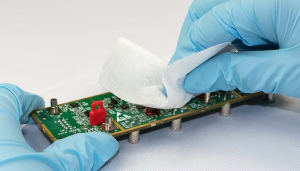
- Wipe in one direction. Take a cleaning wipe and run it along the length of the printhead (usually a 15–20cm metal strip) in a single smooth motion. Repeat 3–5 times. Don’t scrub back and forth — that can grind particles into the surface.
- Inspect the wipe. If you see dark residue, that’s toner and debris you just removed. If the wipe is still mostly clean, your printhead was in good shape.
- Let it dry. Wait 5–8 minutes for the isopropanol to fully evaporate before reinserting paper.
- Test print. Run a sample label and check for clarity and barcode readability.
Cleaning Frequency Recommendations
For high-volume environments — logistics hubs, hospital pharmacies, retail POS systems — I recommend cleaning every 20–25 rolls of thermal paper. That works out to roughly every 6,000–7,500 A4-equivalent prints. For lighter use, monthly is usually sufficient.
Looking for the Right Cleaning Wipes?
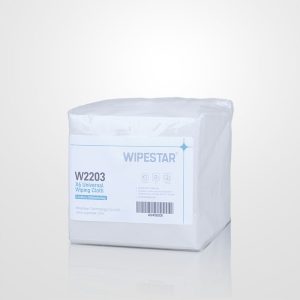
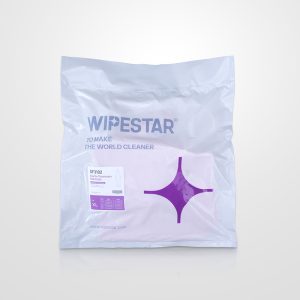
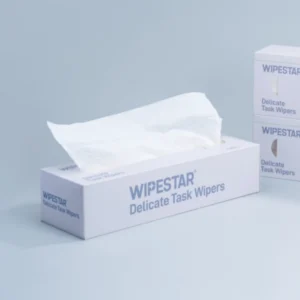
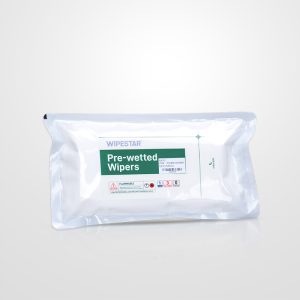
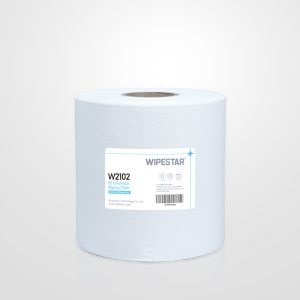
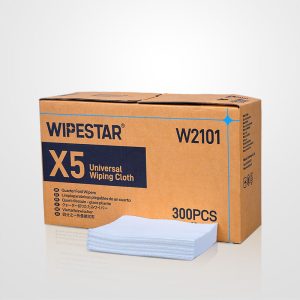
WIPESTAR offers professional-grade thermal printer cleaning wipes with ISO-certified materials and controlled solvent formulations for every printer model.
Browse Cleaning Wipes →Why Regular Cleaning Extends Thermal Printhead Life
The stakes vary by sector. In a retail store, a failed barcode means a manual override at the register. Annoying, but manageable. In a hospital pharmacy, a misread prescription label is a patient safety issue. In a logistics hub, a sorting error from an unreadable shipping label can send a package to the wrong city.
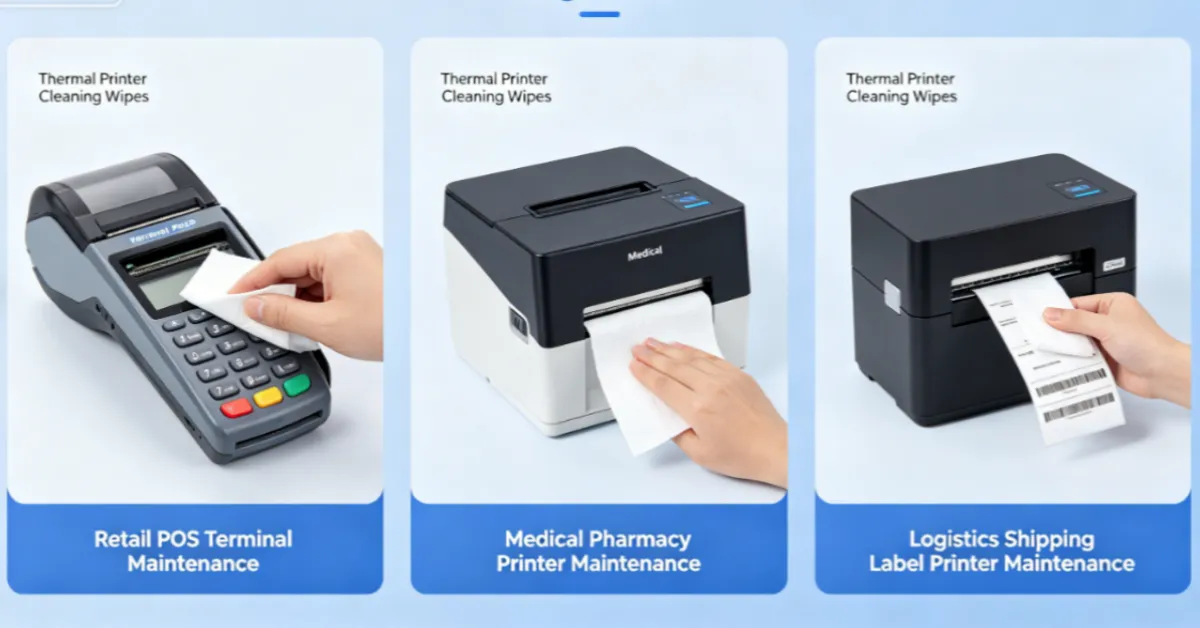
Here’s where I’ve seen thermal printer cleaning wipes make the biggest impact:
🏪 Retail & POS Systems
Cash registers, receipt printers, self-checkout terminals. A regional grocery chain implemented daily cleaning on their self-checkout printers and saw a 67% drop in scanner-related service calls. Each store saved about 120 hours of technician time per year.
🏥 Healthcare & Pharmacy
Prescription label printers, patient wristband printers, CT and MRI report printers. Facilities using medical-grade cleaning wipes report label misread rates dropping from 0.3% to as low as 0.02% — a significant patient safety improvement for high-volume labs.
📦 Logistics & Warehousing
Shipping label printers, sorting system printers, inventory tag printers. Preventive maintenance schedules have been shown to reduce face-sheet printer paper jams from 15 per day to under 1, with sorting error rates dropping to 3 in 10,000.
🏛️ Financial & Government
Receipt printers, ticket printers, self-service kiosks. Weekly cleaning on VAT invoice printers has demonstrated a 35% reduction in printing module failures during critical filing periods.
For related maintenance guidance, see also our guides on printer cleaning cloth best practices and 3D printer nozzle cleaning.
How to Choose the Best Thermal Printer Cleaning Wipes
Not all thermal printer cleaning wipes are the same. When I’m helping a customer select the right product, I focus on a few key parameters:
Solvent Compatibility
Most thermal printheads work well with isopropanol-based formulations, but some specialty printers require specific solvents. Check your printer manufacturer’s recommendations — Zebra’s printhead cleaning guide is a good starting point.
Material Quality
Low-lint or lint-free is essential. You’re trying to remove debris, not add more. Look for medical-grade or cleanroom-grade non-woven materials.
Moisture Level
Pre-saturated wipes should have enough solvent to clean effectively but not so much that they drip or leave pools behind.
Packaging
For environments with strict contamination control — pharmaceutical manufacturing, for example — you may need individually wrapped wipes or sealed canisters.
At WIPESTAR, we offer thermal printer cleaning wipes that meet these standards, along with technical documentation for GMP environments. If you’re not sure what your specific printer requires, reach out to our team at info@wipestar.com. We’ve worked with enough printer models to give you a straight answer.
The Cost of Waiting
I’ll be honest — the customers who call me after their printer has already failed are usually frustrated. They’re behind on shipments. They’re reprinting labels. They’re explaining to their boss why the equipment is down. A box of cleaning wipes costs a fraction of a service call or a replacement printhead. The ROI isn’t subtle.
If you’re reading this because your printer is starting to show symptoms — faint prints, streaks, read failures — don’t wait. Clean the printhead today. And if you’re reading this proactively, set up a schedule. Put a reminder in your maintenance calendar. The three minutes it takes to run a cleaning wipe across that printhead will save you hours of downtime later.
Frequently Asked Questions
Ready to Protect Your Thermal Printers?
WIPESTAR’s professional cleaning wipes are trusted by logistics, healthcare, and retail operations worldwide. ISO-certified. GMP-documented. Factory direct.
Last updated: April 23, 2026 · Published by WIPESTAR