English
 Chinese



Ask a data center manager about their worst outage and you’ll hear about a spanning-tree loop, a bad BGP announcement, maybe a contractor with a backhoe. Nobody ever says “dust.” Dust is boring. Dust is housekeeping. Dust is also what took down nine racks for a colo operator outside Dallas last year.
Picture a normal Tier III hall: 44,000 square feet, hot aisle containment, N+1 cooling, everything monitored. At 2 a.m. on a Saturday the thermal alarms started firing on blade chassis in one row. Nine servers throttled, three shut down cleanly, and a slice of their managed-hosting customers was offline before breakfast. The CRAC units were fine. The containment was fine. The heat sinks were not. Eighteen months of fine dust had blanketed the fins and DIMM slots like felt, and heat had nowhere to go. The cooling system did exactly what it was told — cold air in at the right temperature and volume — but the chips couldn’t shed a watt through that blanket.
Between hardware replacement, SLA credits, and an emergency cleaning contract, the weekend cost them north of $220,000. A wipe-down protocol with the right lint-free wiping cloths would have cost a rounding error of that, spread over routine maintenance windows.
If you run a data center, a server room, or a network closet with active cooling and live electronics, this guide is for you. Dust in an IT facility is three problems wearing one coat: a thermal problem, an ESD problem, and an uptime problem.
Why Server Rooms Collect Dust Faster Than You’d Expect
Data centers don’t just tolerate dust — they actively gather it. Four things make an IT hall one of the dustiest rooms in any building that isn’t a workshop:
- Air volume. A mid-size facility moves 50,000–200,000 CFM through its cooling loop every hour. Filters catch a lot. They don’t catch everything, and hours turn into months.
- Electrostatic attraction. Powered electronics sit in their own static fields and pull charged particles straight out of the airstream. That’s why a motherboard is always dustier than the unpowered shelf two feet away.
- Fiber shedding. Cable jackets, hook-and-loop wraps, carpet tiles, cardboard, and the clothes technicians wear all shed fibers that ride the airflow into equipment.
- Outside air. Fresh-air economizers, loading dock doors, and any construction within a mile introduce the kind of fine particulate that sails through standard filtration — wildfire smoke included.
None of this triggers an alarm. It accumulates quietly below the threshold anyone notices, then crosses a line and starts costing you performance. By the time a thermal warning appears, you’re already behind.
What Dust Actually Costs: Heat, ESD, Wear, and PUE
Overheating is the visible failure. It’s rarely the only one.
Thermal insulation and hot spots. A dust layer a millimeter thick on a heat sink cuts heat transfer efficiency by an estimated 15–25%. Worse, it never accumulates evenly. One server in a row runs 10°C hotter than its neighbors and starts throttling while the dashboard on the rest of the rack looks green.
Latent ESD damage. Dust particles carry charge. Parked on a circuit board, they create localized charge concentrations that can discharge across sensitive parts. The failure mode is nasty: no visible event, just intermittent errors that show up weeks later and get blamed on firmware.
Abrasive wear. Fan bearings, drive spindles, and connector mating surfaces all wear faster when they’re grinding against particulate. Fans rated for five years fail in three. Drives throw read errors early.
Filter loading. A filter at half its dust-holding capacity can drop airflow 20–30%, and the unit compensates by running fans harder. That’s noise, mechanical wear, and a direct hit to PUE.
Zone-by-Zone: What to Wipe With What
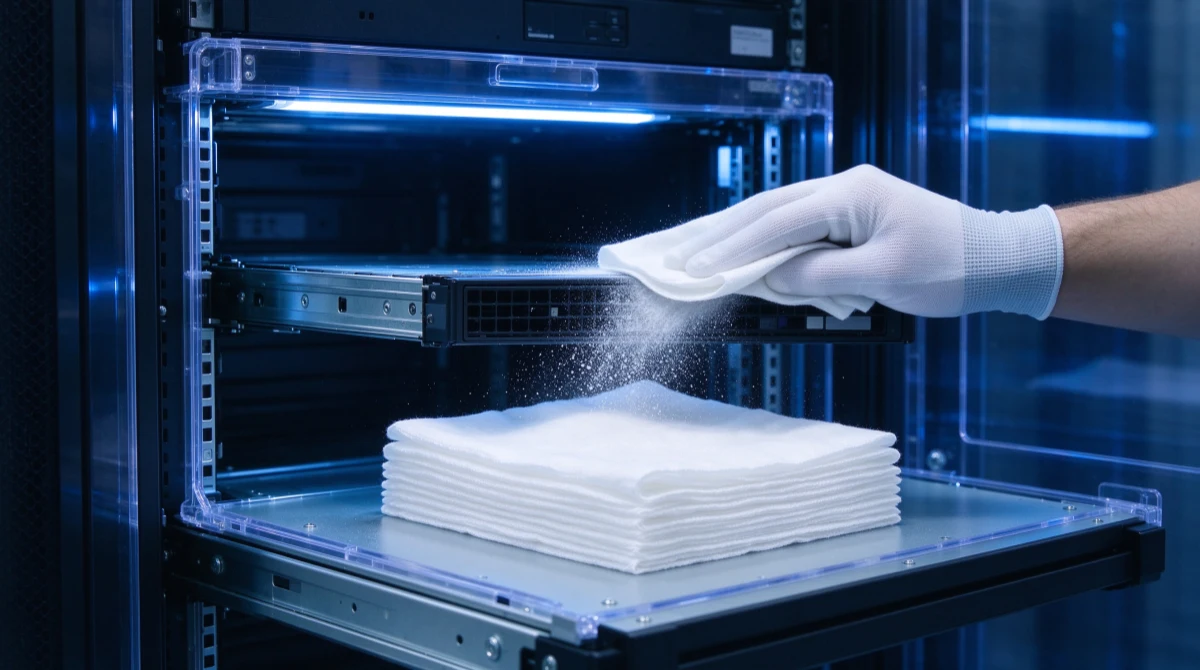
A data center isn’t one environment. It’s five or six, and the wrong wipe in the wrong zone can undo the cleaning entirely. Match the material to the contaminant:
| Zone / Task | Primary Contaminant | What to Use | Non-Negotiable Property |
|---|---|---|---|
| Server interior (powered down) | Fine dust, fiber particles | Cleanroom swabs + low-lint wipes | Ultra-low particle release, ESD-safe |
| Rack exteriors, containment panels | Surface dust, fingerprints, baked grime | Lint-free wiping cloths | Anti-static, non-abrasive |
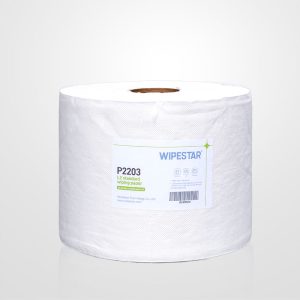
| Raised floor and subfloor plenum | Accumulated dust, construction debris | Heavy-duty wiping papers | High absorbency, tear-resistant |
| Cable runs, fiber and copper connectors | Fiber debris, oxidation, adhesive residue | Precision cleaning swabs | Lint-free tip, controlled form factor |
| CRAC/CRAH filters, drip pans, condensate lines | Loaded particulate, moisture, biofilm | Absorbent pads + dampened cloths | High absorbency, chemical-resistant |
| UPS and battery rooms | Electrolyte residue, corrosion | Pre-wetted wipes + PPE | Controlled chemistry, skin and surface safe |
Hot Aisle, Cold Aisle, and the Subfloor Underneath
Containment changes how dust moves, so it should change how you clean.
Cold aisle. The cold aisle is effectively a pressurized plenum of supply air — anything loose in it goes straight through server intakes. Cleaning here is about prevention: wipe perforated tiles, the undersides of cable trays bridging the containment, and the seals on doors and panels. Use anti-static wiping cloths for this. A cotton rag dragged across a plastic panel generates enough charge to pull dust right back out of the air onto the surface you just cleaned.
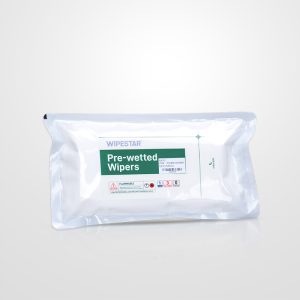
Hot aisle. Exhaust air at 35–45°C carries plasticizers and adhesive outgassing that bake onto surfaces with dust into a film you can’t dry-wipe off. This is where pre-wetted wipes earn their keep: known solvent, controlled moisture, enough texture to grab the film without scratching panels or shedding fibers.
Subfloor plenum. If you have a raised floor, the space below it is probably the dirtiest square footage you own — commonly 5–10 times the dust concentration of the room, especially at cable penetrations and perimeter walls. In many designs that space is also the supply air plenum, which means every particle down there eventually visits a server intake. Lift tiles a row at a time, vacuum loose debris with a HEPA unit (never a shop vac that exhausts fines back into the room), then wipe tile undersides and the deck with dampened wiping papers.
Cables and Connectors: Where Precision Cleaning Matters
Cable bundles are dust highways — overhead trays and subfloor channels collect fibers, debris, and residue from labels and tie wraps. The real exposure is at the connection points.
Fiber endfaces are unforgiving: a single particle on the ferrule can mean signal loss, a climbing bit error rate, or a link that simply won’t light. The working standard in the industry is a dry or solvent-assisted clean with a lint-free, non-particulating swab — foam or microfiber, nothing improvised. Copper RJ45 contacts tolerate more, but dust traps moisture against the metal and accelerates oxidation, and the symptom is the worst kind: intermittent errors that vanish when someone reseats the cable. A quick pass with an ESD-safe swab during any maintenance window is cheap insurance.
ESD Safety: Why Cotton Rags Don’t Belong in Server Rooms
This is the section that separates IT facility cleaning from janitorial work. Cleaning materials charge up through the triboelectric effect every time they rub a surface. In a room full of live electronics, a paper towel is a match near gasoline. The spark may be invisible — no pop, no scorch mark — just a transistor gate degraded enough to fail intermittently two months later.
ESD-safe wipes are built from materials chosen for where they sit on the triboelectric series — carbon-loaded polyester, dissipative polypropylene blends — so they neither generate nor hold a meaningful charge. The number to check is surface resistivity: for data center work you want the dissipative band around 10⁹–10¹¹ ohms/square, consistent with the ESD control frameworks most facilities follow (IEC 61340-5-1 / ANSI/ESD S20.20). Conductive is overkill and can even be a hazard; “anti-static” without test data is marketing.
A Cleaning Schedule That Survives Contact With Reality
Ad-hoc cleaning doesn’t work in data centers because dust doesn’t respect firefighting schedules. Anchor it to maintenance windows instead:
- Weekly: Rack exteriors, door handles, touch surfaces, hot aisle containment panels.
- Monthly: Filter housings and intake grilles, cable tray surfaces, a visual pass on raised floor tiles.
- Quarterly: Subfloor plenum in sections, server interiors during scheduled downtime, UPS and battery room wipe-down.
- Semi-annually: Fiber connector inspection and cleaning, deep clean of containment systems.
- Annually: A real assessment — surface contamination audit plus thermal imaging to catch dust-driven hot spots before they throttle anything.
When you evaluate suppliers, hold them to the same standard you’d apply to any consumable that touches live equipment: documented ESD resistivity data rather than “ESD-safe” claims, particle and fiber release data (IEST-RP-CC004 methods are the reference), chemical compatibility with your cleaning solution and the plastics in your hall, sealed or dispenser-ready packaging so the wipes aren’t already dusty when they arrive, and someone technical on the other end of the email. If you want a baseline for materials and specs, our cleanroom wiper selection guide covers the full decision path.
Who You’ll Work With at WIPESTAR
We supply wiping consumables to environments where one particle can take down hardware worth more than a year of cleaning budget. Our team pairs ESD expertise with hands-on product knowledge for IT facilities and data centers.

Yunyun — ESD Project Manager
Yunyun is a dedicated ESD prevention professional with deep experience in static control research, application, and solution delivery. She has shipped multiple complex ESD projects for cleanroom and electronics environments and keeps close to suppliers on the latest materials and testing methods.

Carolina — Product Specialist
Carolina works side by side with production technicians to understand how wipes actually perform on the floor, then drives raw material and process improvements back through suppliers. She’s the person who makes sure the spec sheet matches the cloth in the box.

Lee — Key Account Sales Manager
Lee has served international accounts including Foxconn, Samsung, and Apple, and he works on multi-site rollouts where consistency matters as much as price. He lives by “do more, know more, be more” — and he answers the technical questions himself.
Get Started with Data Center Cleaning Wipes
Whether you’re building a cleaning program from scratch, standardizing consumables across multiple sites, or chasing a dust-related thermal problem right now, we can help you spec the right materials and documentation for your facility.
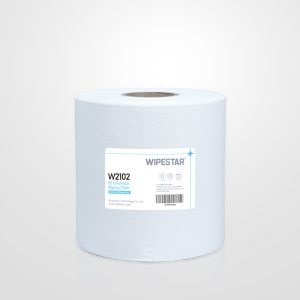
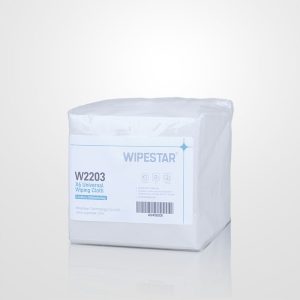
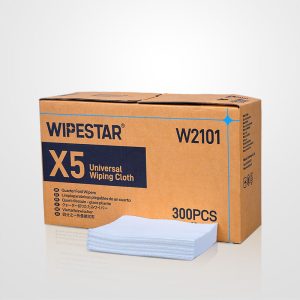
- Wiping Cloths — Low-lint, anti-static cloths for rack exteriors, containment panels, and general server room surface work.
- Cleanroom Swabs — Precision tips for fiber endfaces, connectors, and board-level detail cleaning inside powered-down equipment.
- Request a Technical Consultation — Tell us your zones, contaminants, and cleaning chemistry; we’ll match products and provide test data.
Browse All Products → Request a Custom Quote
Frequently Asked Questions